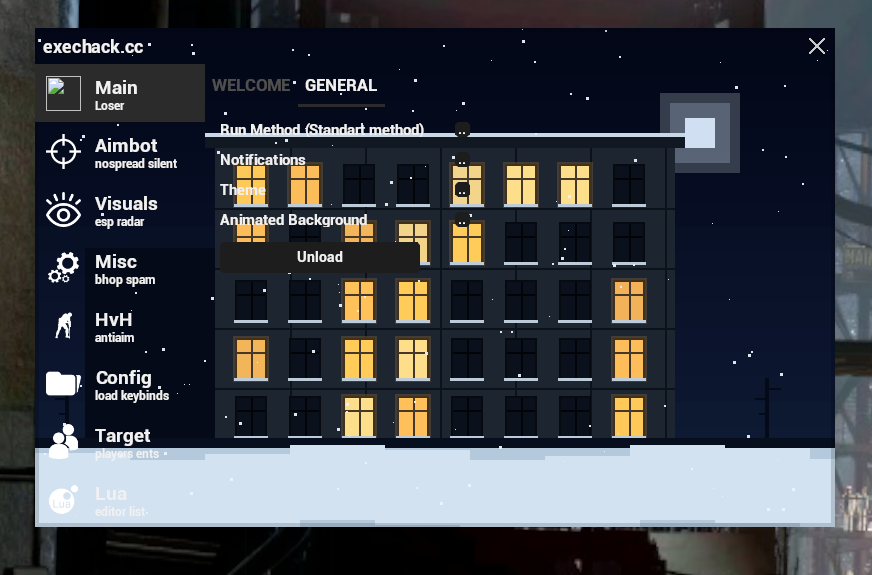

Используем Режим ИИ, но желательно ИИ получше.
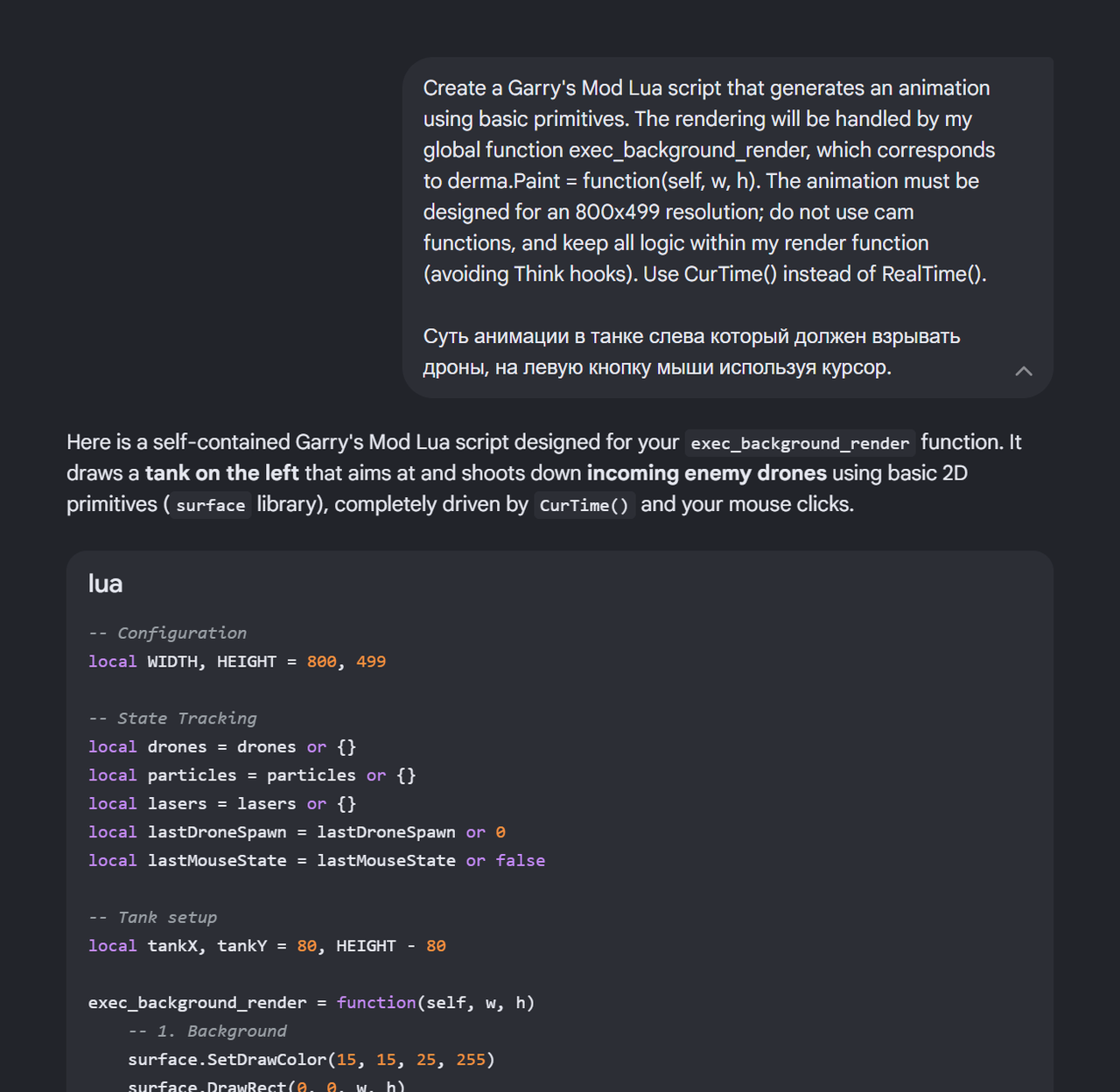
Вводим промпт, меняем нижнюю часть под себя.
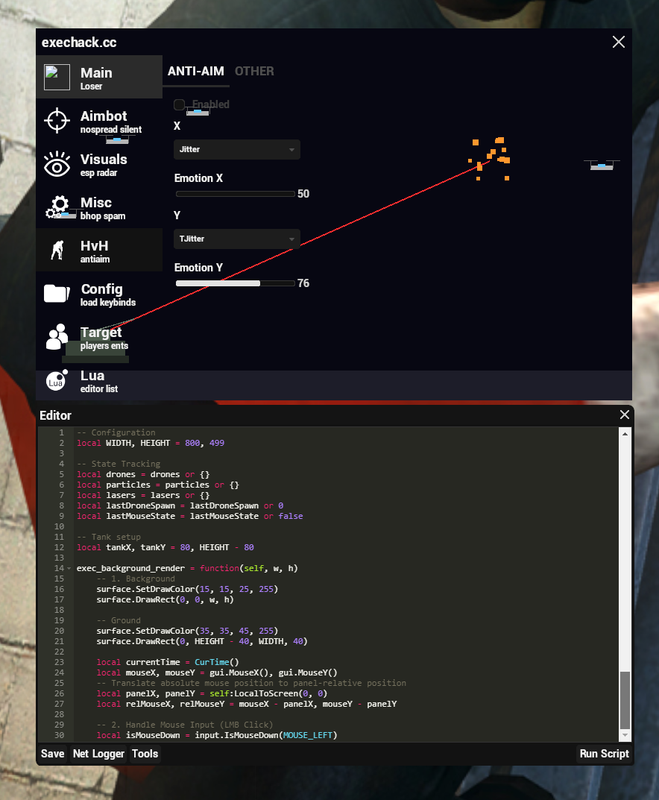
Полученный код сохраняем в C:/exechack в новом файле mybanground.luamenu
Заходим в список луа, запускаем и ставим на автозапуск.
Вводим промпт, меняем нижнюю часть под себя.
Code:
Create a Garry's Mod Lua script that generates an animation using basic primitives. The rendering will be handled by my global function exec_background_render, which corresponds to derma.Paint = function(self, w, h). The animation must be designed for an 800x499 resolution; do not use cam functions, and keep all logic within my render function (avoiding Think hooks). Use CurTime() instead of RealTime().

Суть анимации в танке слева который должен взрывать дроны, на левую кнопку мыши используя курсор.Заходим в список луа, запускаем и ставим на автозапуск.
Enter to gemini.google.com and select Pro mode.
Enter prompt and customize the bottom section to your liking.
Save the resulting code to C:/exechack in a new file named mybanground.luamenu.
Go to the Lua list, launch the script, and enable it for autorun.
Enter prompt and customize the bottom section to your liking.
Code:
Create a Garry's Mod Lua script that generates an animation using basic primitives. The rendering will be handled by my global function exec_background_render, which corresponds to derma.Paint = function(self, w, h). The animation must be designed for an 800x499 resolution; do not use cam functions, and keep all logic within my render function (avoiding Think hooks). Use CurTime() instead of RealTime().

The animation centers on the tank on the left, which is designed to blow up drones when you click the left mouse button using the cursor.Go to the Lua list, launch the script, and enable it for autorun.